Your Ideas Hub. Capture once, create forever.
June records your conversations and thoughts, organises them automatically and helps you reuse them in new creations.
Free Beta now Available
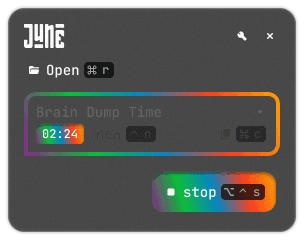


Stop writing long prompts
AI tools often need background information to deliver meaningful answers, which leaves you typing the same details again and again. June captures your ideas in voice or text, organises them automatically and turns them into concise briefs that AI understands.
Features
June is built around a simple cycle: Capture, Organise, Use.
Hot‑Keys
Start a recording from anywhere with a custom keyboard shortcut. June opens instantly, captures your voice or screen, and stores the moment before it slips away.
|
Clean Voice Transcription
Speak freely. June’s integrated ASR models removes filler words and noise so your spoken thoughts become clear, readable text. You focus on ideas; we handle the cleanup.
Springboard
Not sure where to begin? Chat with June and the built‑in AI will ask smart questions to help shape your idea and capture the key points.
Ask June
Smart Cleanup & Formatting
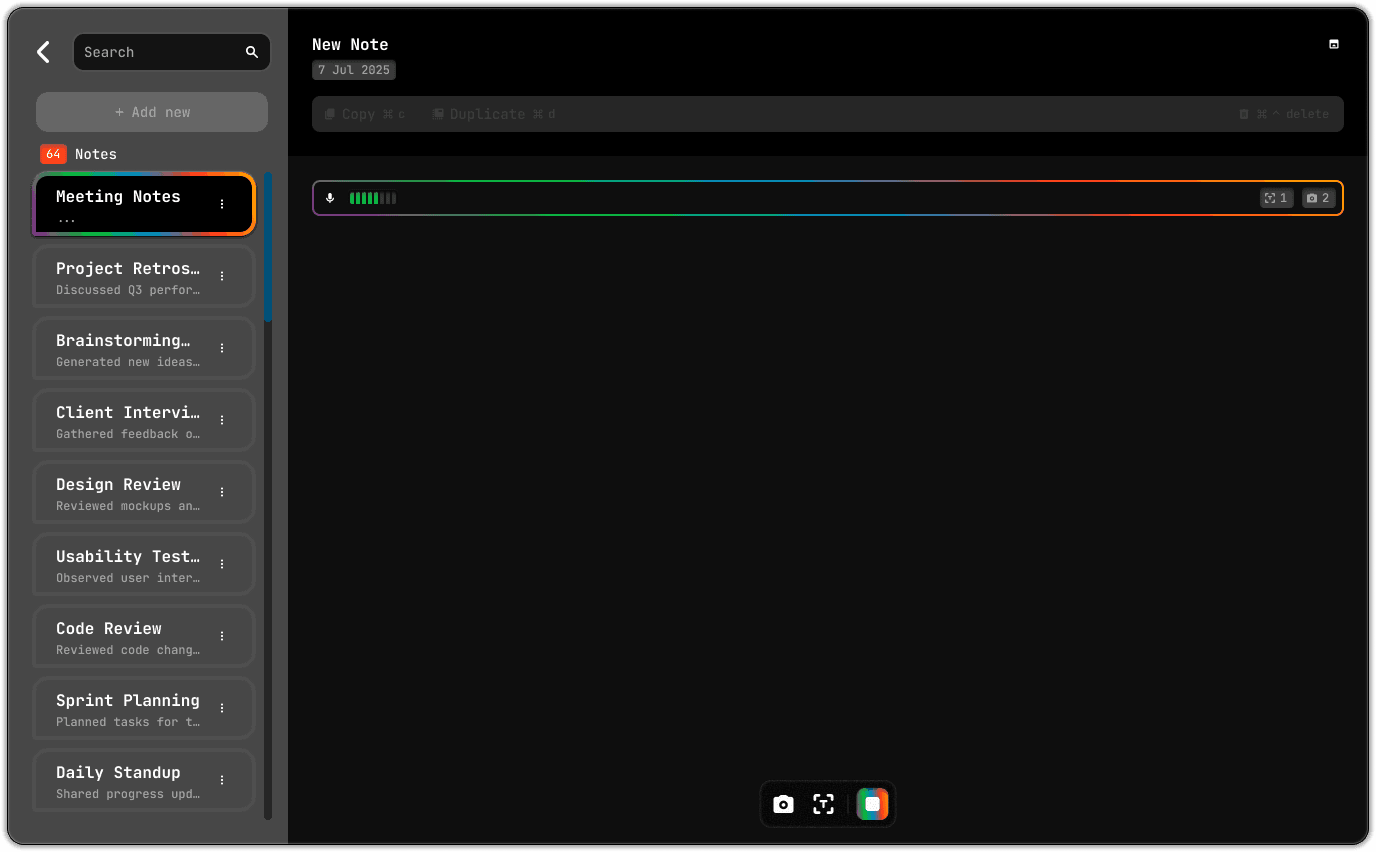
Automatically format your notes into bullet points, paragraphs or action lists. Keep your ideas tidy without spending time on housekeeping.
2 changes
1 changes
1 changes
4 changes
1 changes
2 changes
History
Scroll back through your past ideas with a chronological timeline. See how concepts evolved and never lose the thread.
One‑Press Copy
Copy any note or transcript to your clipboard instantly and paste it into emails, documents or chat apps. No formatting required.
|
Copy for AI
We transform your ideas into AI‑friendly summaries and code, so your prompts get better responses without extra work.
SmartCursor
Summon June anywhere with a simple hotkey. When your cursor is blinking in an email, doc or message, press the shortcut and June appears, ready to insert a note, attach context or help you draft your reply without leaving your current app.
Ask June
Pricing
Start free today, and stay tuned for what’s brewing next.